Platform
Features are grouped by the stage of work they support — from first idea to production-ready Style.
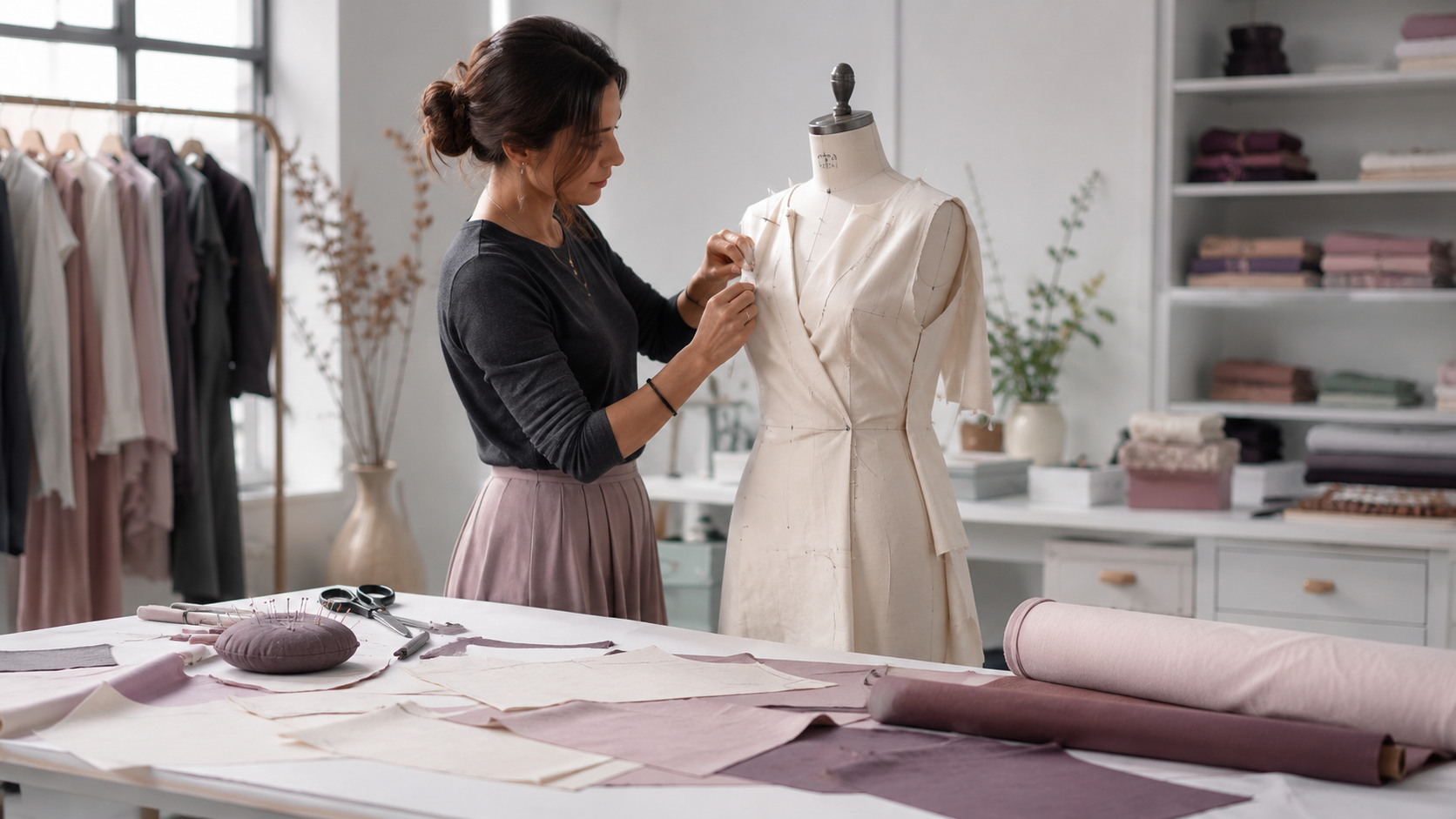
The Pattern Assistant helps you find the right starting Pattern and interpret design intent. Pattern changes are applied by fixed rules, and you review the before-and-after preview, the measurements that change and any validation before accepting anything.
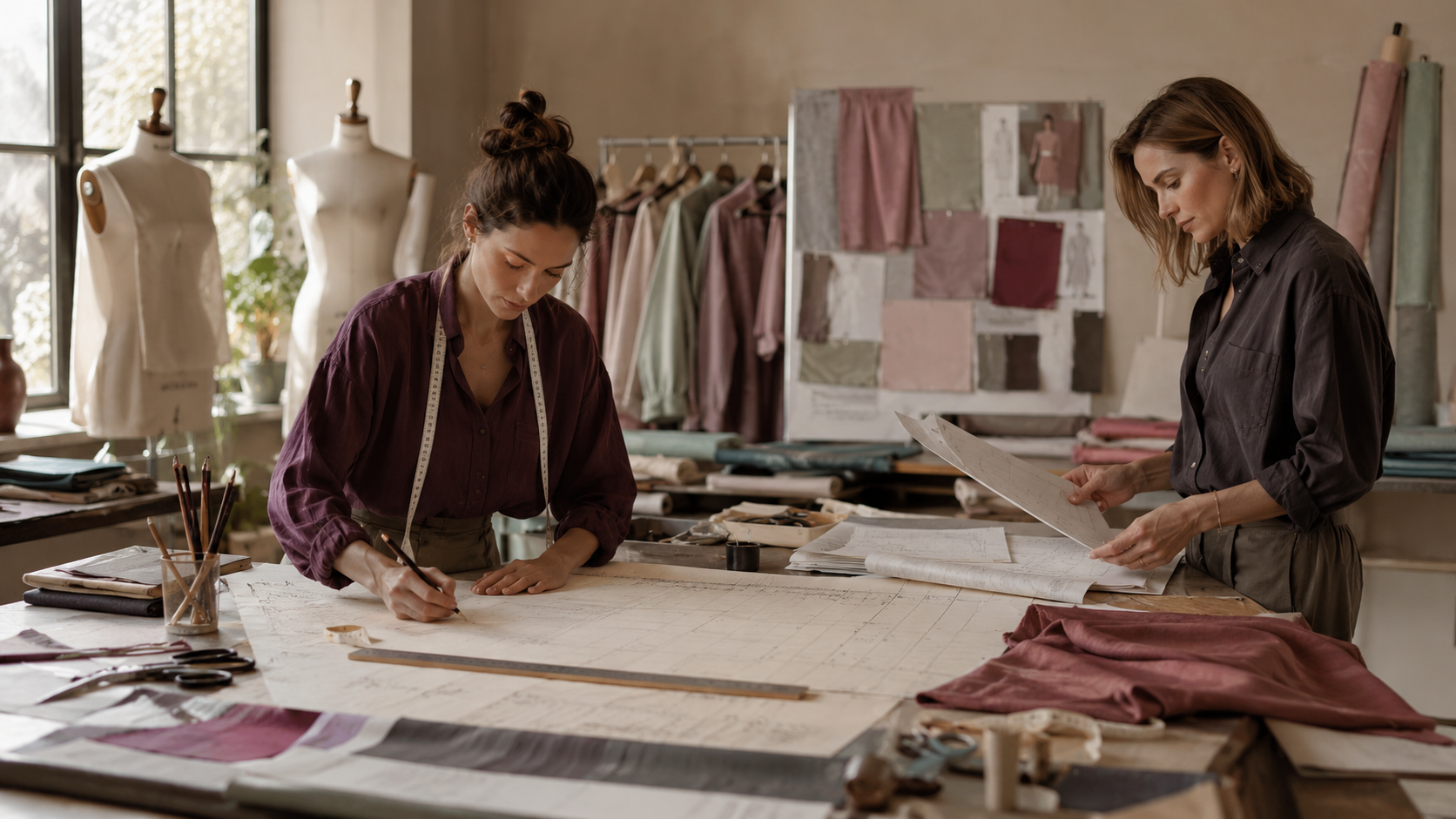
PatternScan is the path for bringing existing physical paper Patterns and Blocks into the digital workflow. Using a PatternScan Digital Import Mat, it proposes vector outlines from a photograph which you review and approve before they enter the library — it does not create arbitrary new Patterns from scratch. See PatternScan for the step-by-step capture process.


Maintain visual design context connected to technical development. The Digital Style Board links sketches, reference imagery, and material selections to the Style record. Style imagery is stored securely and stays attached to every version that follows.
Track physical iterations without losing context. Sample Requests and Sample Reviews collect structured feedback. Each review creates a clear revision link back to the Pattern Version, so you always know what changed and why.
Inside the app
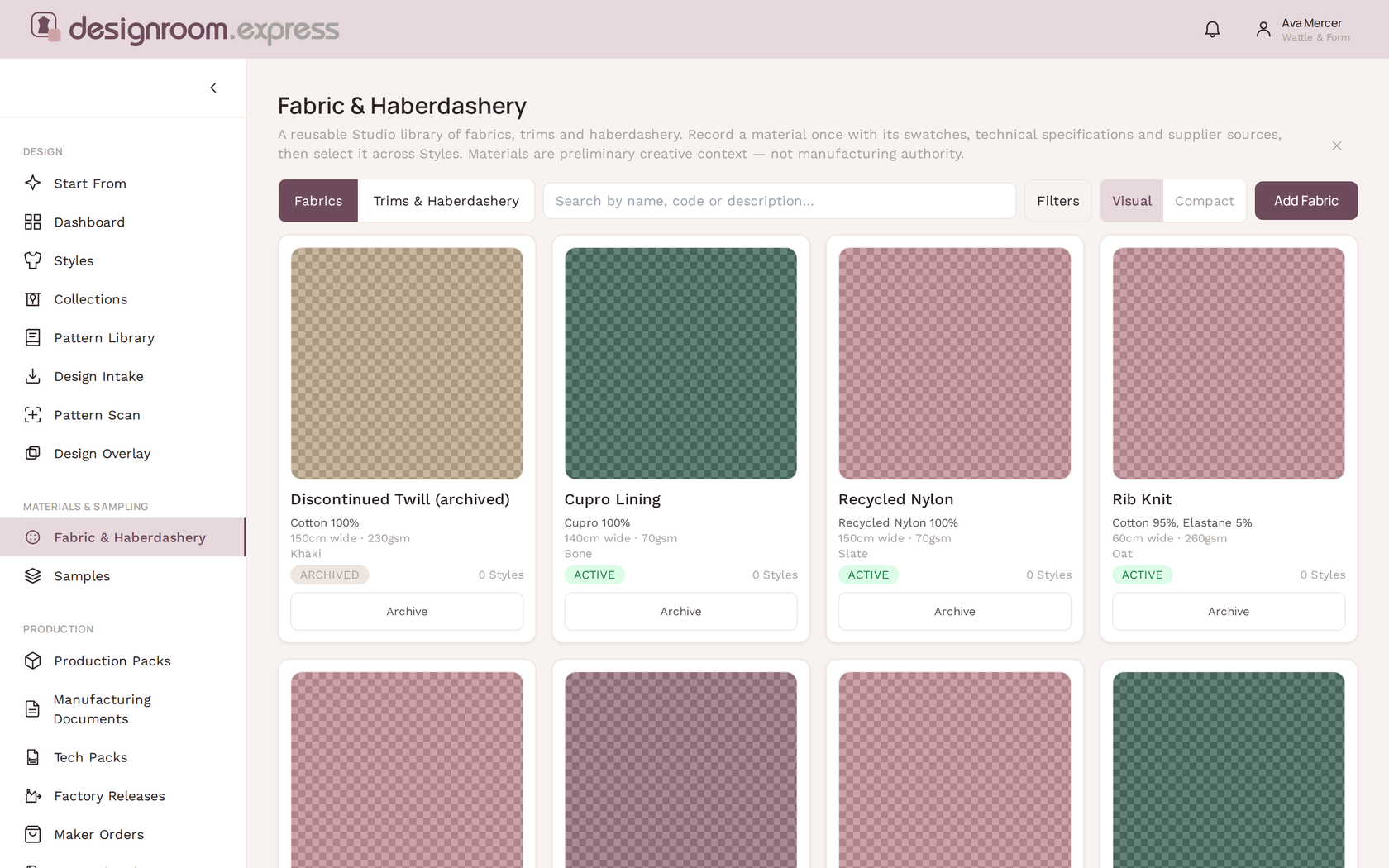
Screens from the app, with representative demo data. For a wider comparison against other fashion software, see the feature matrix and the 2026 Fashion Software Buyer's Guide.
Organise reusable Fabric and Trims libraries. Connect multiple Supplier sources and capture imagery and technical specifications. Every material choice is tied to the Style record.
Product Costing comes after materials and BOM in the same workflow. Because the Style already holds its fabric, trim and supplier data, costing draws its inputs from the same record rather than starting again in a separate spreadsheet.
Costing results stay in the workspace as the source your studio reviews before anything is shared or sent on.
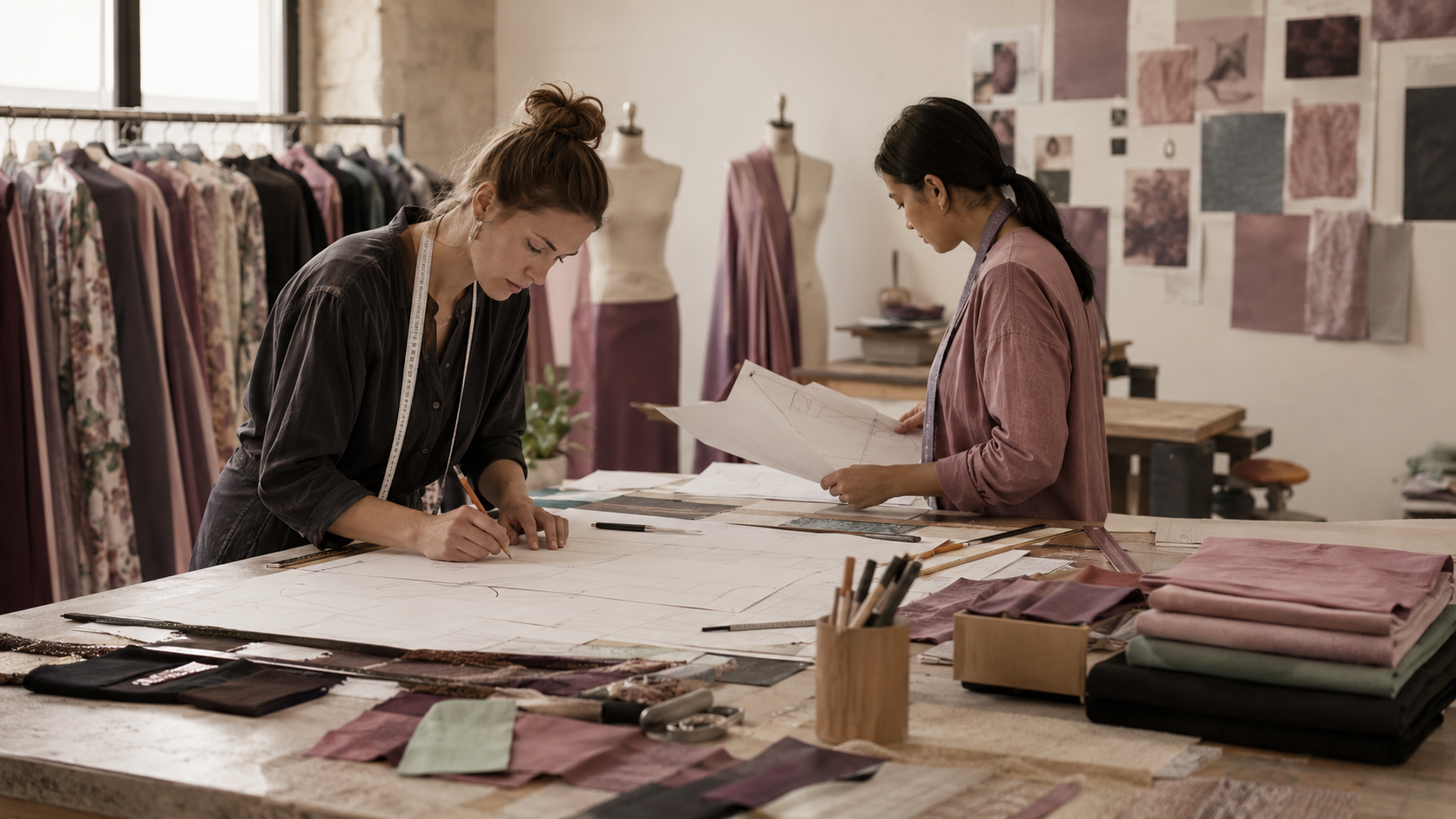
Build technical and manufacturing information from the approved Style Revision. Tech Packs carry cover, technical flats, construction, materials/BOM, colourways, points of measure, care and revision notes. A Production Pack collects everything the maker needs — measurements, patterns in SVG and DXF, and a print-ready PDF — with a validation report. Manufacturing Documents are issued as fixed records you can trace, and a Factory Release is locked when you release it.

Coordinate makers, Suppliers, and Factory Releases from one place. Planning and capacity tools show what is waiting, blocked, or ready. Each account's work stays separate.
Planning covers the collection, Style, milestones, dependencies and work requirements — what needs to happen, and in what order. Rostering is the people layer that extends Planning: who is available, who is scheduled, roster requests and changes, shifts and personal schedules. Rostering is about who is where and when — it is not payroll.
It supports the way you already work, alongside the pattern maker.
