For designers
Leverage your existing pattern library. designroom.express connects your visual direction, existing blocks, materials, Pattern assistance, samples, and production information in one workspace.
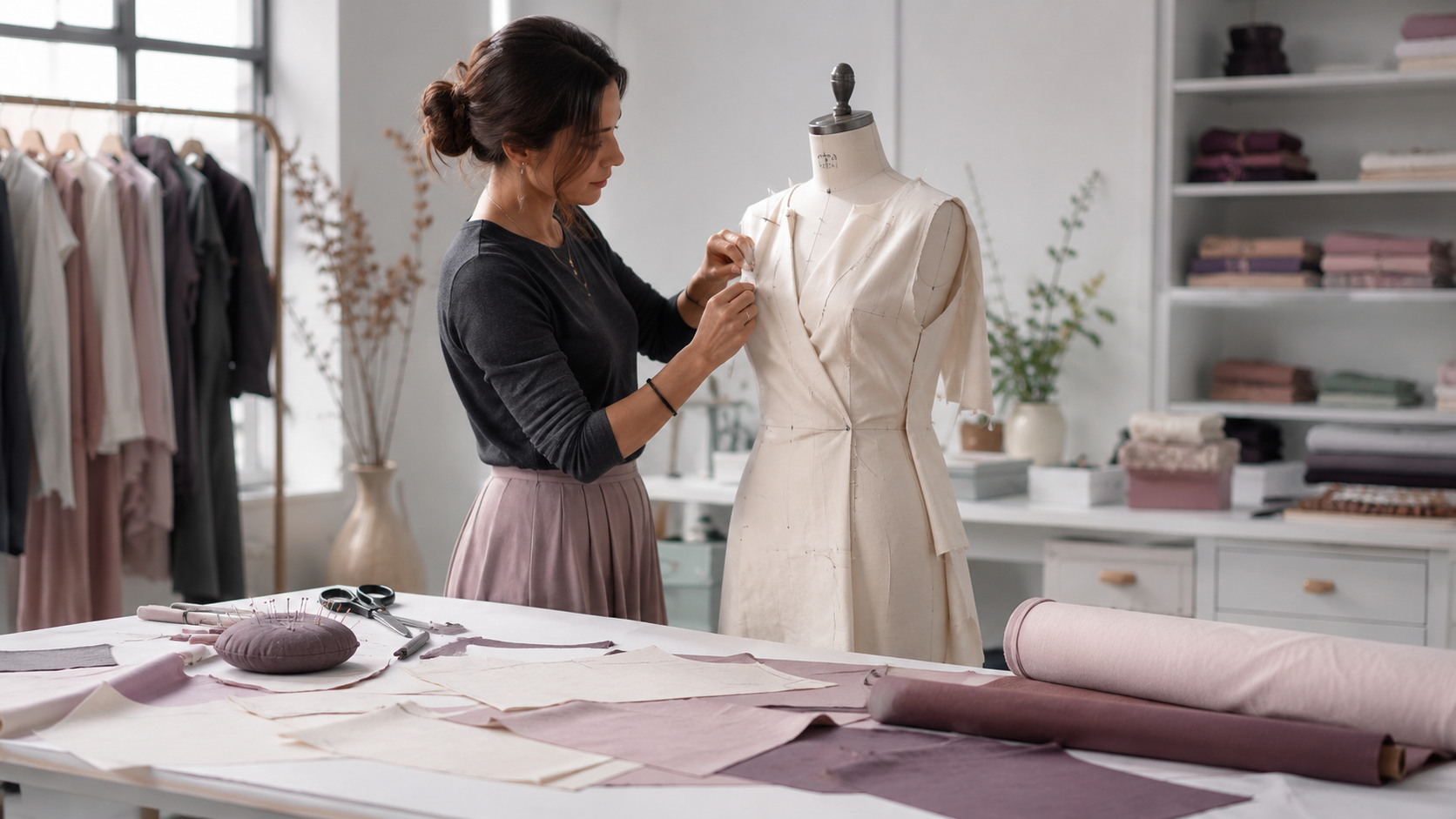
Attach sketches, reference imagery, and colour inspiration directly to the Style record. The Digital Style Board keeps your visual direction connected to every technical decision that follows — so the mood you started with is always in view when you make a change.
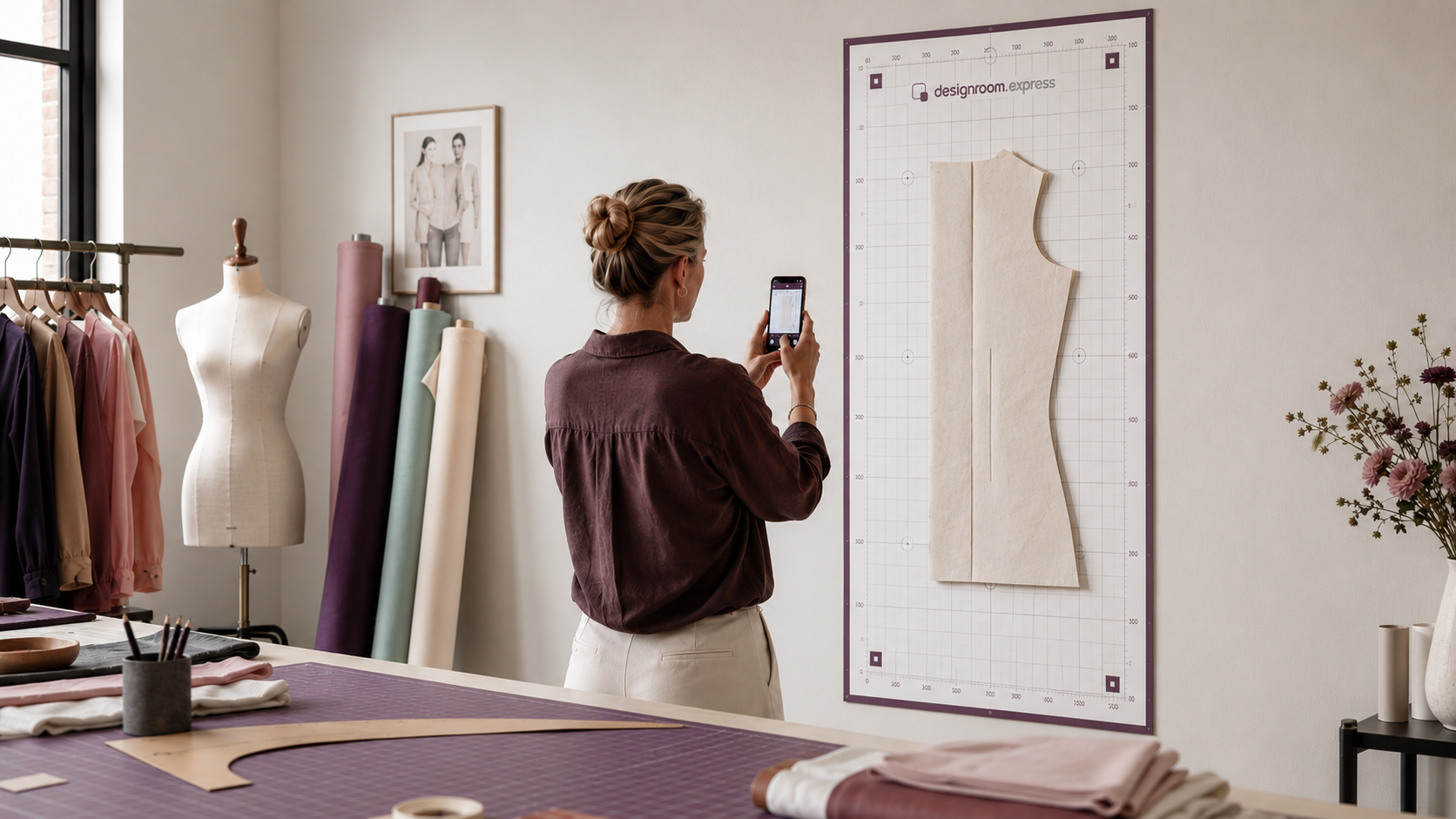
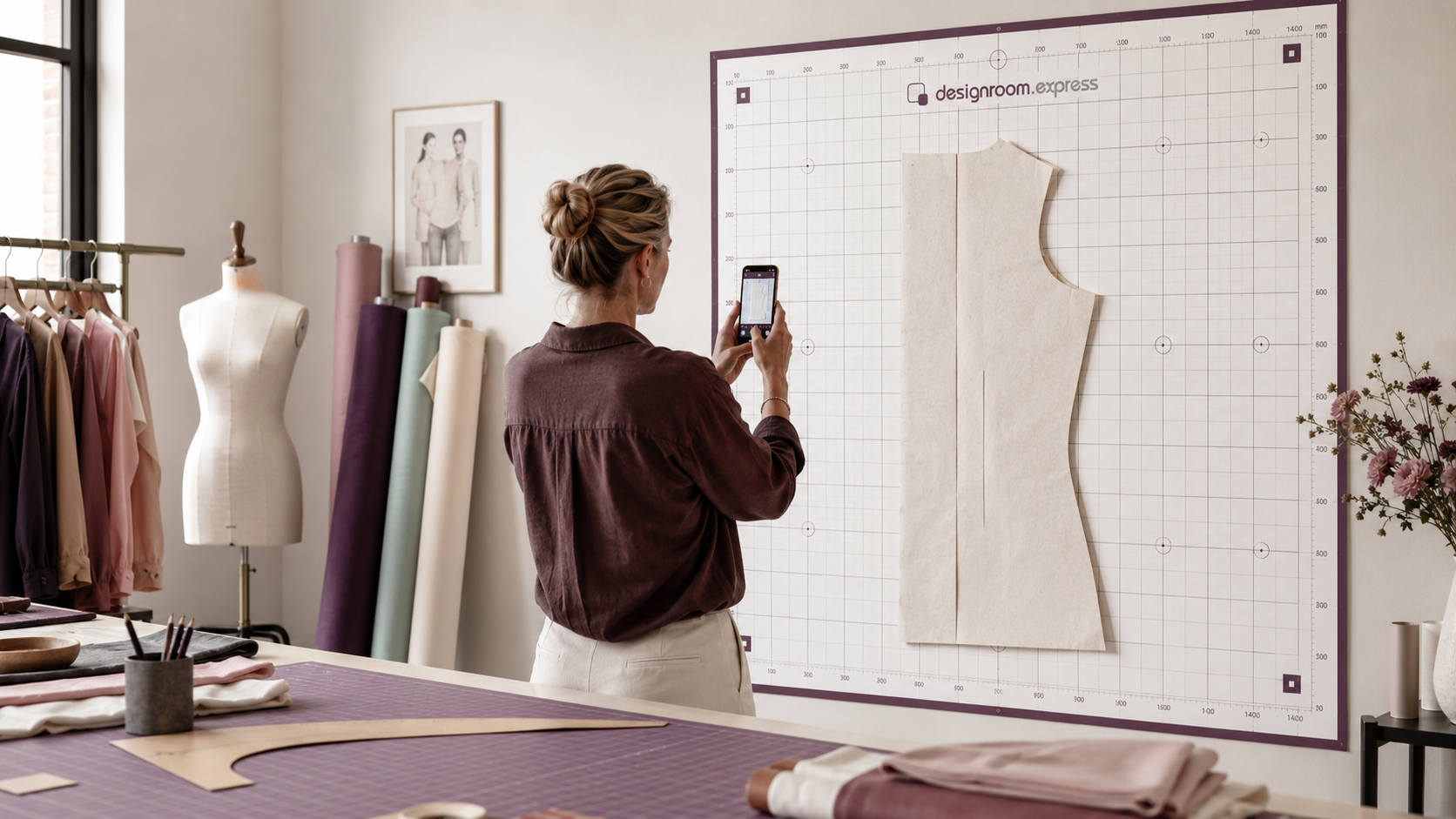
Your blocks are your most valuable asset — proven shapes that already fit the way you want. designroom.express lets you build on them, not replace them. Start from digital blocks in your library, or digitise paper pieces using a PatternScan Digital Import Mat. Nothing overwrites the original.

Every change creates a new derived version — your original block is never modified. The version history is preserved, so you can always trace back to the trusted source and see exactly what changed. Review before you commit.

Draw proposed changes directly over your block — adjust seam allowances, grade a piece, move a dart. The interface is responsive and designed for tablet and desktop use. Your markup is recorded precisely, so it can be applied to the pattern.

Select materials from your reusable Fabric and Trims libraries. Link Supplier sources and capture imagery and specifications. Every material choice is tied to the Style, so you always know what you specified and from whom.
Need a hand finding the right block or turning an idea into a structured change? The Pattern Assistant helps — it does not take over.
Find the right starting Pattern from your private library. Describe a change — a brief, measurements, or selected references — and get a clear plan of what would change. If the request is ambiguous, the assistant asks for clarification.
You then see every change before it is applied: before and after, the measurements that change, and validation results. Accept it and a new Pattern Version is saved — the original stays untouched.
Create Sample Requests and record structured review findings. Issue a Review Pack — a fixed record of the sample evidence — and raise change requests against it. When the sample is approved, build the Tech Pack and generate a Production Pack directly from that version: no re-keying measurements, no scattered emails, no lost context.
Inside the app
The Designer plan includes the full design-to-production workflow for one designer — Pattern library and Versions, Styles and Collections, materials and BOM, Pattern Assistance and Design Overlay, samples, Tech Packs, manufacturing documents and production exports. Team features are available as your Studio grows.
Request access to try designroom.express with your own pattern library.
